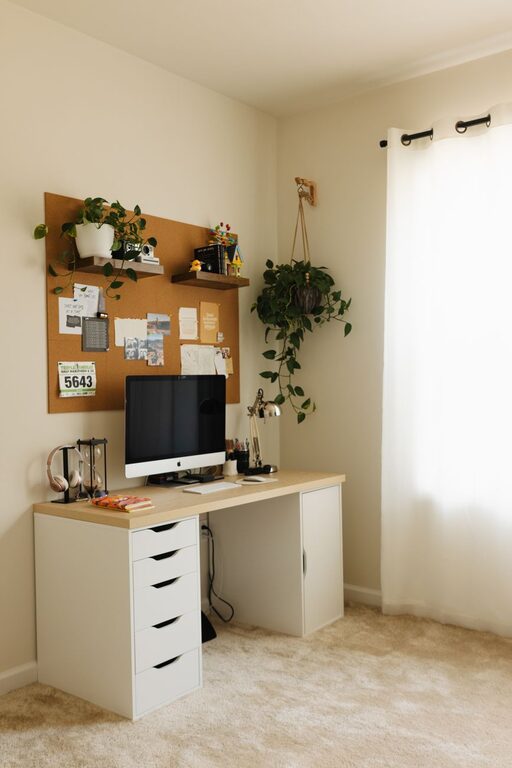
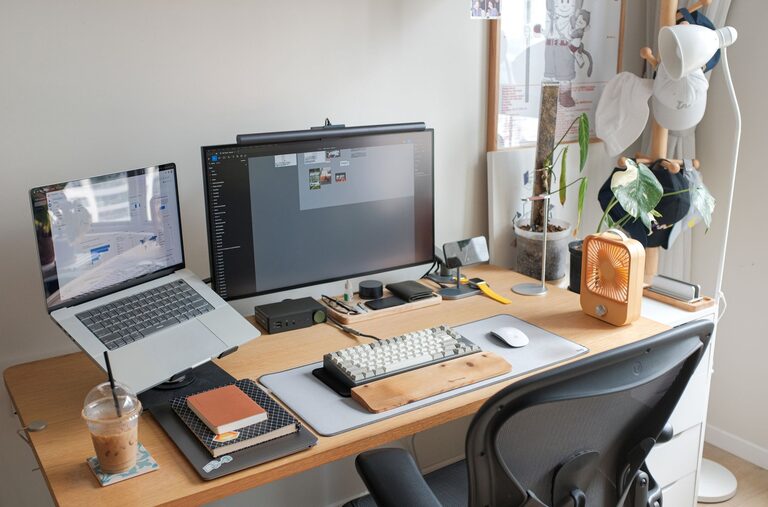
Working from home has become a common part of many lives, making a productive home office space more important than ever. A well-designed workspace can help you stay focused, organized, and motivated throughout your workday. Whether you have a dedicated room or just a small corner, there are several ways to optimize your home office for better productivity.
Choose the Right Location
Start by selecting a spot in your home that is quiet and free from distractions. Natural light is a great bonus, so try to position your desk near a window if possible. Avoid high-traffic areas where household noises may interrupt your concentration. If space is limited, consider multi-functional furniture that can be easily rearranged.
Consider Privacy and Noise Control
If you live with others, think about how you can create a private area. You might use room dividers, curtains, or noise-cancelling headphones. Some people even set clear boundaries with family members about work hours to minimize interruptions.
Invest in Ergonomic Furniture
Comfort is key to staying productive. An ergonomic chair supports your posture and reduces strain on your back and neck during long hours of sitting. Choose a desk at the right height to prevent discomfort in your wrists and shoulders.
Desk and Chair Tips
– Use an adjustable chair so you can fine-tune the height.
– Keep your feet flat on the floor or on a footrest.
– Position your monitor at eye level to avoid neck strain.
– Maintain a 90-degree angle with your elbows when typing.
Organize Your Workspace
Clutter can be distracting and reduce your ability to focus. Keep your desk tidy by using organizers, shelves, or filing cabinets. Only keep necessary items on your desk to maintain a clean environment.
Tips for Staying Organized
– Use drawer dividers or trays for small supplies.
– Label storage boxes and files for easy access.
– Implement a system for paperwork to avoid piles.
– Regularly declutter to maintain a fresh workspace.
Optimize Lighting
Good lighting reduces eye strain and helps you stay alert. Utilize a mix of natural light and artificial lighting like adjustable desk lamps. Avoid harsh overhead lights or glare on your computer screen.
Lighting Suggestions
– Place lamps strategically to light your work area evenly.
– Use soft white bulbs to create a warm, inviting atmosphere.
– Adjust window coverings to control sunlight and prevent glare.
Minimize Distractions
Try to limit distractions such as TV, noisy appliances, or social media. Some people find background music or white noise helpful for concentration. Turn off non-work-related notifications on your devices during work hours.
Add Personal Touches
A personalized workspace can make your home office more enjoyable. Add plants, artwork, or items that inspire you. Just be careful not to overdo it, as too many decorations can become distracting.
Establish a Routine
Create a consistent work schedule to help separate work time from personal time. Start and finish work at the same times each day. Taking regular breaks can also improve productivity and reduce fatigue.
Break Tips
– Follow the 50/10 rule: work 50 minutes, then take a 10-minute break.
– Use breaks to stretch, hydrate, or take a quick walk.
– Step away from screens to rest your eyes.
Use Technology Wisely
Set up your technology for efficiency. Fast internet, a good quality webcam, and a reliable headset can enhance remote meetings. Use productivity apps and calendars to stay organized.
Consider Climate Control
Maintaining a comfortable temperature and fresh air helps keep your focus. Use fans, heaters, or air purifiers as needed to create a pleasant working environment. Good ventilation also benefits your health.
—
Designing a productive home office space takes some planning, but the results can greatly improve your work experience and efficiency. By focusing on location, comfort, organization, lighting, and minimizing distractions, you can create a workspace that helps you do your best work every day.
About the Author